Warming works by holding real conversations from your mailboxes with other mailboxes in the MailStrike network. These settings tell it who you are, how each mailbox should behave, and how much it should send. Set them once when you connect a mailbox and you can leave them alone.
Company profile: tell MailStrike what you do
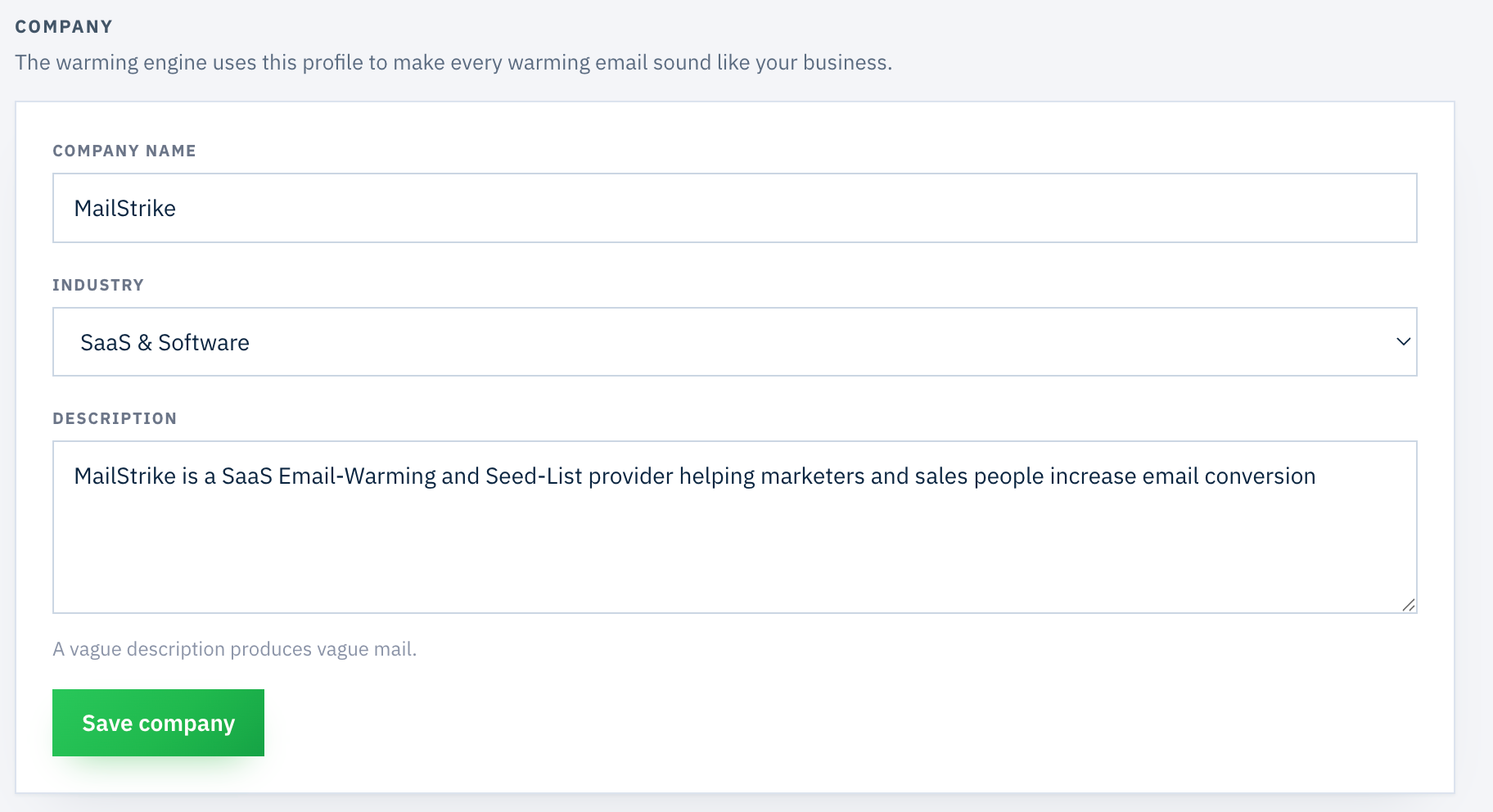
Your mailboxes hold conversations with other mailboxes in the network. This profile is what makes those conversations sound like they come from your business rather than from a bot. You set it once for the account, not per mailbox.
What to fill in
Company name, your industry from the dropdown, and one or two sentences on what you do and who you sell to. Skip the full pitch, the pricing and the product docs. Extra detail does not make warming more effective. Relevance does.
Mailbox providers score reply threads on how natural they look. A conversation about email deliverability between two SaaS people reads as real. A generic hello does not. As the form itself says: a vague description produces vague mail.
Persona type: spread your mailboxes out
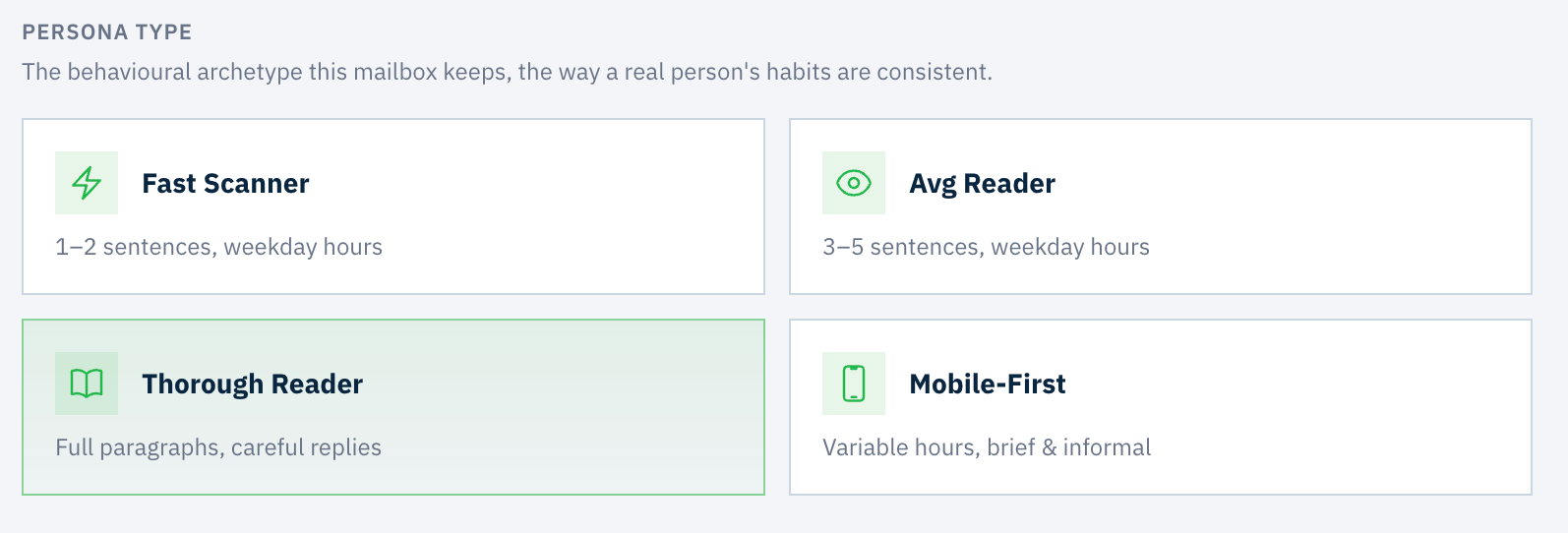
Each persona is a behavioral archetype with its own writing style, dwell time and active hours. Real people have consistent habits, and providers notice when every account on a domain behaves identically. A mix across personas is what makes a domain look like a team.
Ramp-up: match the climb to your domain age
Ramp-up scales daily volume gradually instead of sending the full amount from day one. A brand-new domain that suddenly sends 50 emails a day is the most common way to land in spam before you have started. Leave the toggle on.
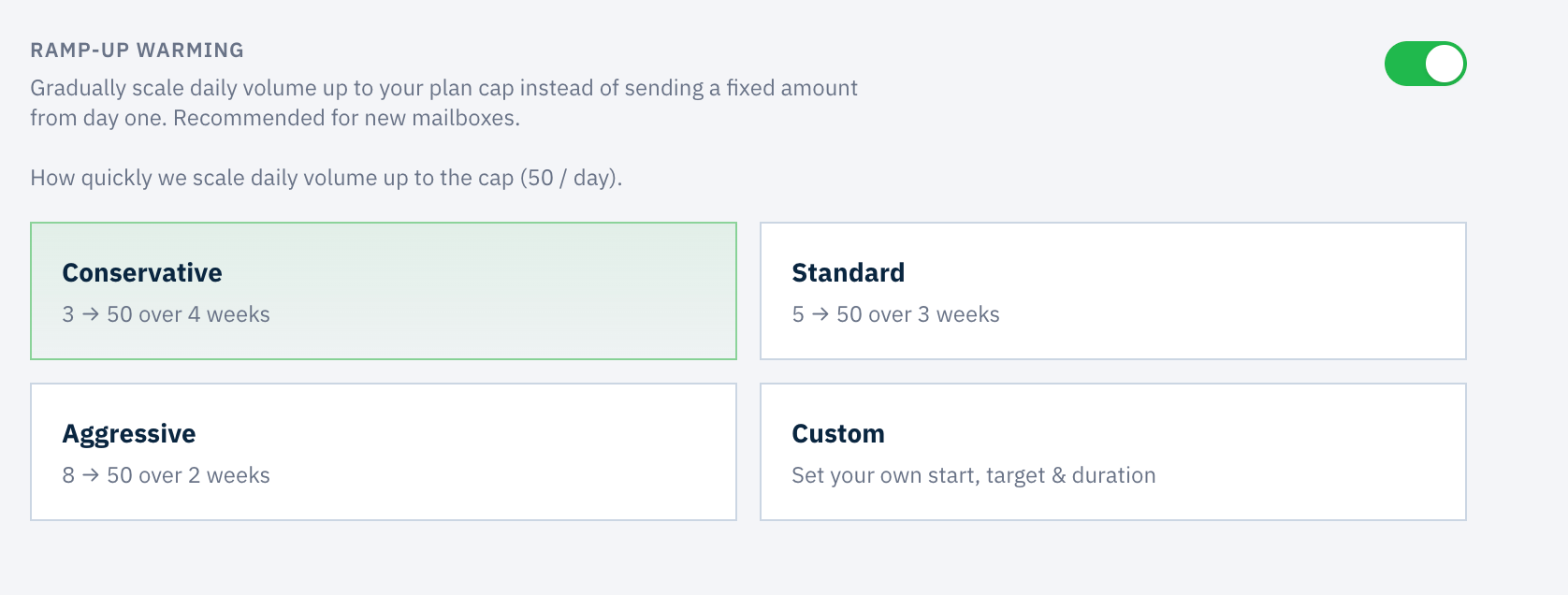
- Domain under 30 days: Conservative. 3 to 50 over 4 weeks. A new domain has no reputation at all, so build it slowly.
- Domain under 3 months: Standard. 5 to 50 over 3 weeks. Some history exists, but not enough to trust yet.
- Older domain: Aggressive. 8 to 50 over 2 weeks. An established reputation can carry a faster climb.
Age means when the domain was registered and started sending, not when you created this inbox. A WHOIS lookup shows the registration date. When in doubt, go one step more conservative.
Maintenance volume: leave room for outbound
Once the ramp finishes, warming continues at a share of the final target. This is where warming and your real outreach meet, so set it with your daily sending goals in mind.
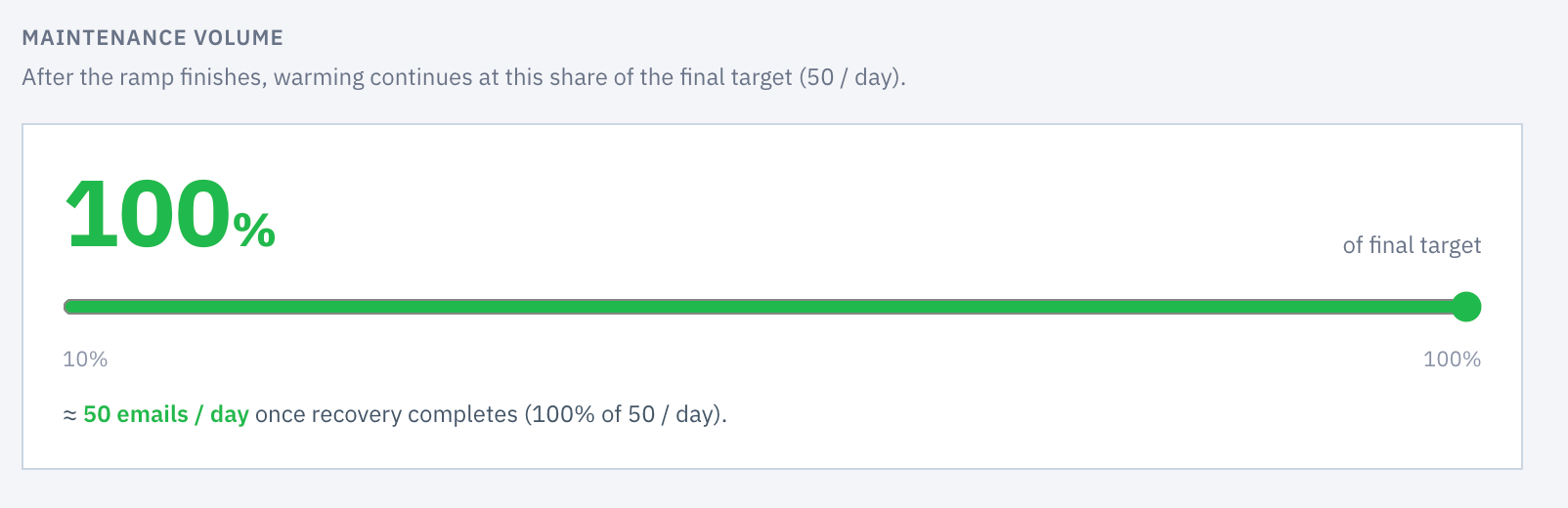
Our recommendation is to send at most 65 emails per day per mailbox across warming and outbound combined, then work backwards from your outbound goal.
| Outbound per mailbox per day | Warming room | Slider setting |
|---|---|---|
| 0, still warming | 50 | 100% |
| 15 | 50 | 100% |
| 30 | 35 | 70% |
| 40 | 25 | 50% |
| 50 | 15 | 30% |
Leave it at 100% until you start sending campaigns, then lower it as outbound grows. Never drop warming to zero. The maintenance floor is what holds your reputation steady between campaigns.
Warming pool: how much consumer inbox to include
By default warming runs against business tenants on Google Workspace and Microsoft 365. You can also include consumer inboxes on gmail.com, outlook.com and hotmail.com. They filter differently, so warming against both widens your coverage.
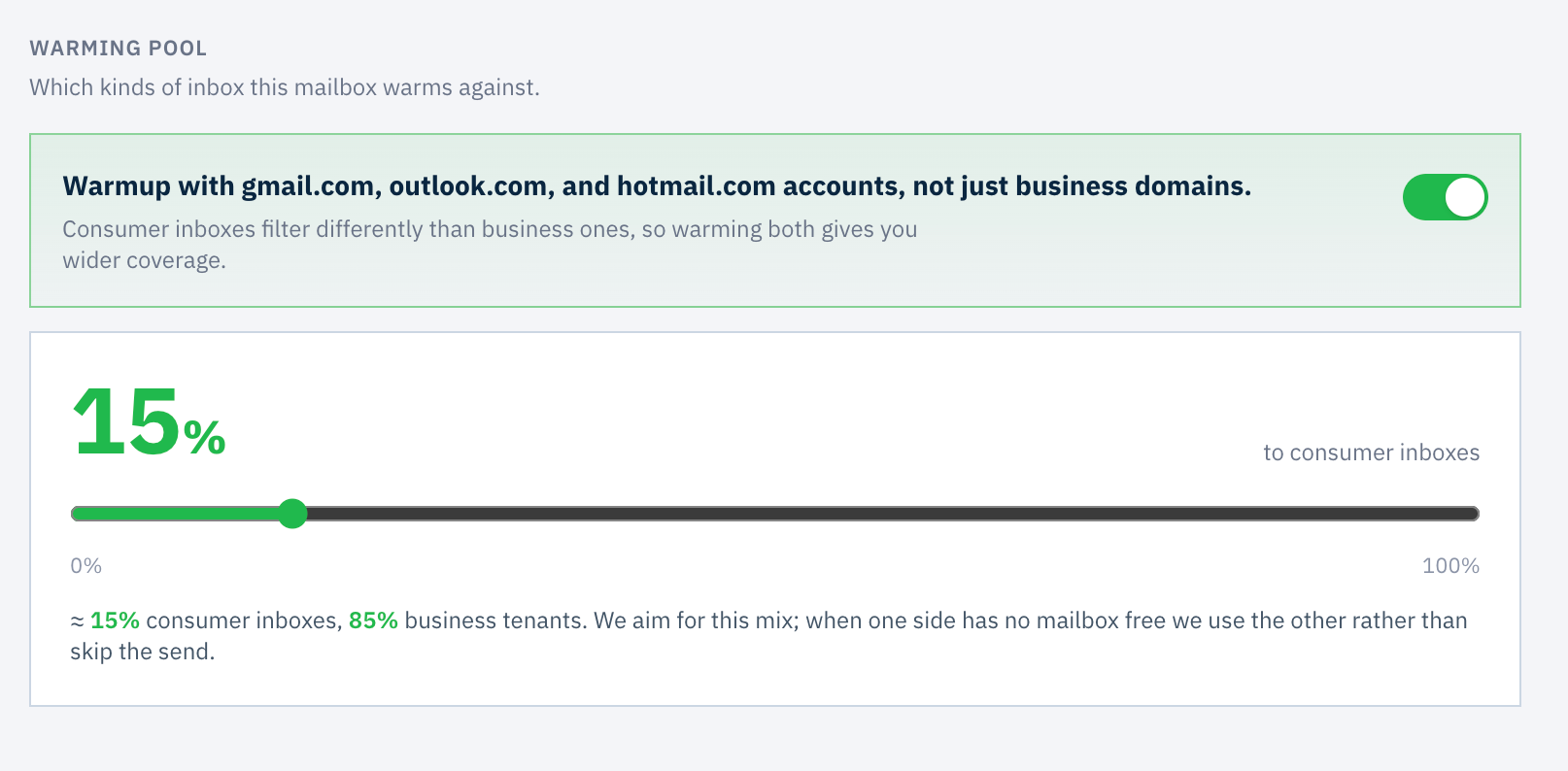
Start at 10 to 20% consumer. That is enough to build signal with the consumer spam infrastructure without diluting your business-domain warming. Once placement is clean, lower the consumer share and let business-tenant warming take most of the volume.
Consumer Gmail and Outlook run separate spam filtering from Google Workspace and Microsoft 365, and each publishes its own sender guidance (Google, Microsoft). A small share earns coverage there, but most B2B prospects sit on business tenants, so that is where the bulk of your warming belongs.
Timezone: the hours the mailbox keeps
Warming sends at human hours in the timezone you pick, and every persona schedule is anchored to it. A wrong timezone means a weekday-hours persona sending at 3 a.m. local time.

Pick the sender's timezone: where the human behind the signature works. If your rep sits in Kraków, choose Warsaw, not UTC±00, even when your prospects are in the US. If mailboxes represent people in different regions, set each one individually. That variety is realistic and it helps.
Providers look at send-time patterns. Consistent, plausible local hours are a strong human signal. A domain whose mailboxes all fire at identical UTC times looks automated.
Inbox visibility: keep warming out of your inbox
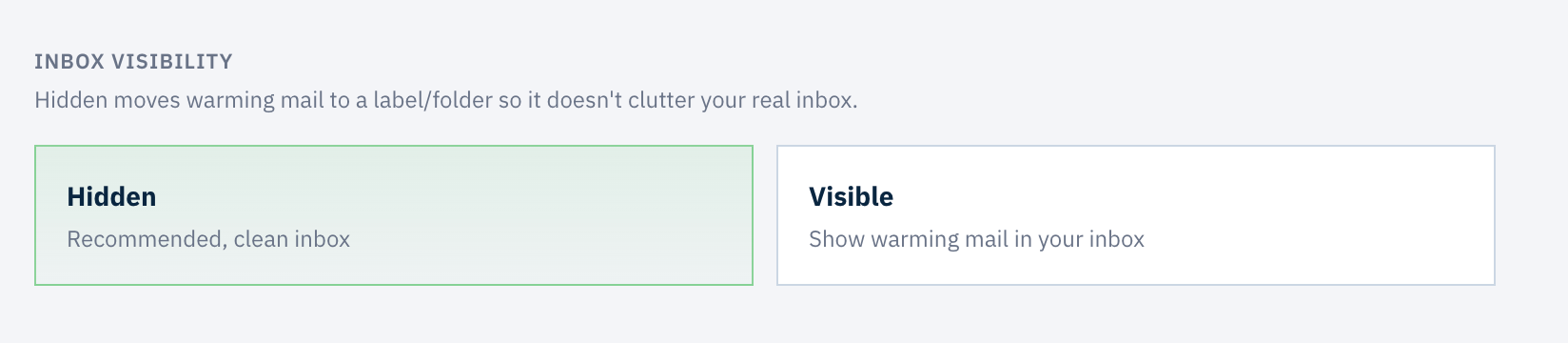
Hidden moves warming mail into a label or folder, so your real inbox stays clean. Warming works the same either way. The only difference is whether you see the threads.
Before you start
- Company profile saved with name, industry and a one or two sentence description.
- Mailboxes spread across personas rather than all on one type.
- Ramp-up on with the preset matched to domain age.
- Maintenance volume set so warming plus outbound stays at or under 65 a day per mailbox.
- Consumer share at 10 to 20% to start, lowered once placement is clean.
- Timezone set to where the sender actually works, per mailbox.
- Visibility left on Hidden.
That is the whole setup. If you are warming a brand-new domain, the first-week walkthrough covers what to expect once these settings are in place.
Questions that come up
How long does mailbox onboarding take?
A few minutes per mailbox. You set a company profile once for the account, then pick a persona, a ramp-up preset, a maintenance volume, a warming pool share and a timezone for each mailbox you connect.
Which ramp-up preset should I choose?
Match it to the age of the domain, not the mailbox. Conservative for a domain under 30 days old, Standard under three months, Aggressive for an established domain. When you are unsure, go one step more conservative.
How much should warming send once the ramp finishes?
Keep warming and outbound together at or under 65 emails per day per mailbox. Leave maintenance volume at 100 percent until you start sending campaigns, then lower it as your outbound volume grows. Never drop it to zero.
Should every mailbox use the same persona?
No. Providers notice when every account on a domain behaves identically. Spread mailboxes across the four personas. Several mailboxes on the same persona is fine, because every behavior inside a persona is a range.