SMTP warmup for any mailbox.
If your provider speaks SMTP and IMAP, MailStrike can warm it. Add your server details once and the mailbox warms like any other.
Connected in three steps.
Yahoo, Proton, Zoho, Fastmail, or your own server. If it speaks SMTP and IMAP, it works.
Add your SMTP details
Enter your SMTP server, port, and credentials. An app password works great. MailStrike tests the connection, then uses IMAP to manage warming traffic in a dedicated folder.
- Works with any SMTP / IMAP provider
- App passwords fully supported
- Connection tested before warming starts
SMTP / IMAP details
Authentication checked on connect
SPF, DKIM, DMARC, and MX are read the moment the connection lands, and a missing record comes back with the exact value to publish.
- SPF, DKIM, DMARC, and MX verified
- Plain-English fixes for any gaps
Authentication check
All passingWarming starts
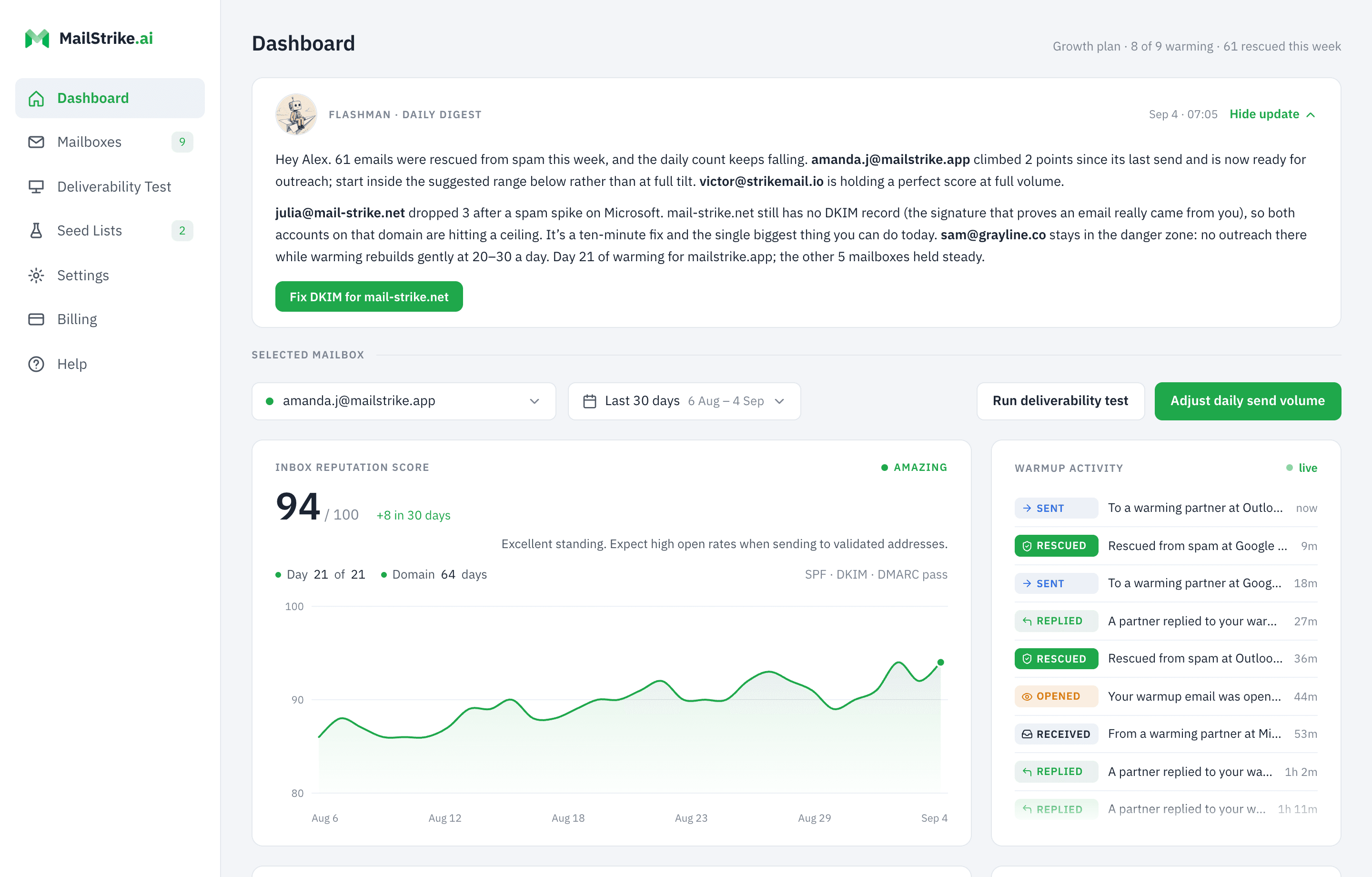
Your AI Agent starts exchanging mail with the MailStrike network the same day. The dashboard tracks every open, reply, and rescue and tells you when the mailbox is safe to send from, which is the day it starts earning its seat.
Keep warming out of your inbox
Choose Inbox visibility when you connect, and change it anytime in Settings. On Hidden (the default), every warming email is auto-labeled and archived the instant it arrives, so your real inbox stays exactly as it was.
Inbox visibility
Hidden moves warming mail to a label/folder so it doesn't clutter your real inbox.
Hidden
Recommended, clean inbox
Visible
Show warming mail in your inbox
Every thread the agents exchange is written fresh and grounded in your business, never templated. See how warming works, or what it means that it runs alongside the tools you already send with.
The ramp, for any mailbox. 21 days to full volume.
A mailbox connected over SMTP and IMAP warms on the same schedule as one connected over OAuth: low on day one, a steady climb to the plan default of 30 a day, maintenance after. Pick the provider closest to yours, the domain's age and the target to see it.
| Outreach a day, per mailbox | 1 mailbox | 2 mailboxes | 3 or more |
|---|---|---|---|
| Not sending yet | 30 | 21 | 18 |
| 10 emails | 30 | 21 | 18 |
| 20 emails | 25 | 18 | 15 |
| 30 emails | 20 | 14 | 12 |
| 40 emails | 15 | 11 | 9 |
| 50 emails | 10 | 7 | 6 |
The rule behind the table: a mailbox on its own that is not sending yet warms at the plan default of 30 a day, and once outreach starts it drops one warming email for every two you send, down to a floor of 10. Put a second mailbox on the domain and each one needs 70% of that figure, three or more and each needs 60%, because the domain earns the signal across all of them. Volume is a setting per mailbox, so you can dial these in directly.
Warm any mailbox, land in the inbox.
Three weeks to a mailbox you can send from at volume, instead of months of a seat you cannot use.